


yourshop.com/wheels/hre-p101
 Try it on
On your shop
It starts on your product page.
A customer is looking at a wheel in your store. The only thing you add is one Try-It-On button.
Customers see wheels, wraps, spoilers and tips on their own car, right from your product page. Then they book the install.
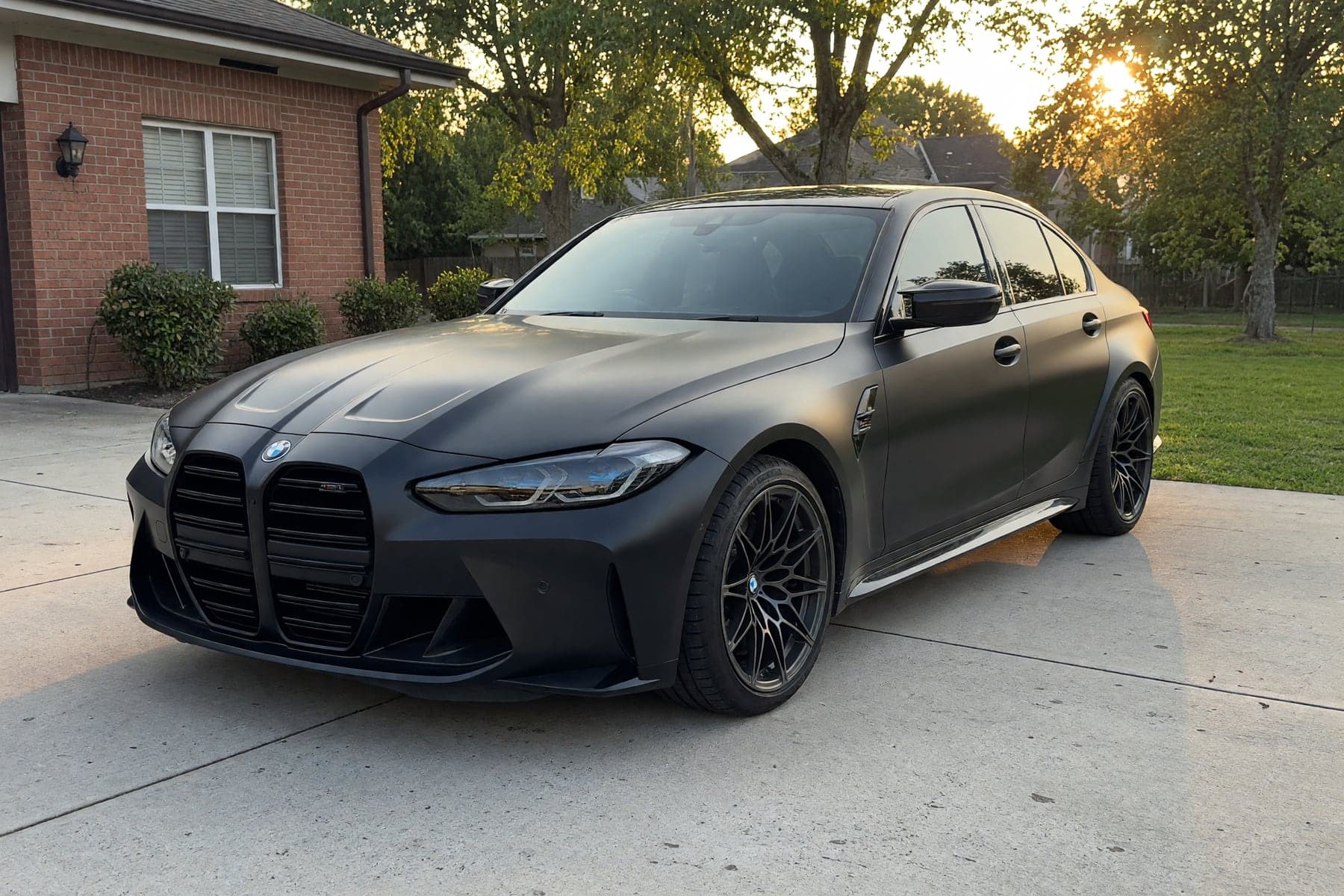
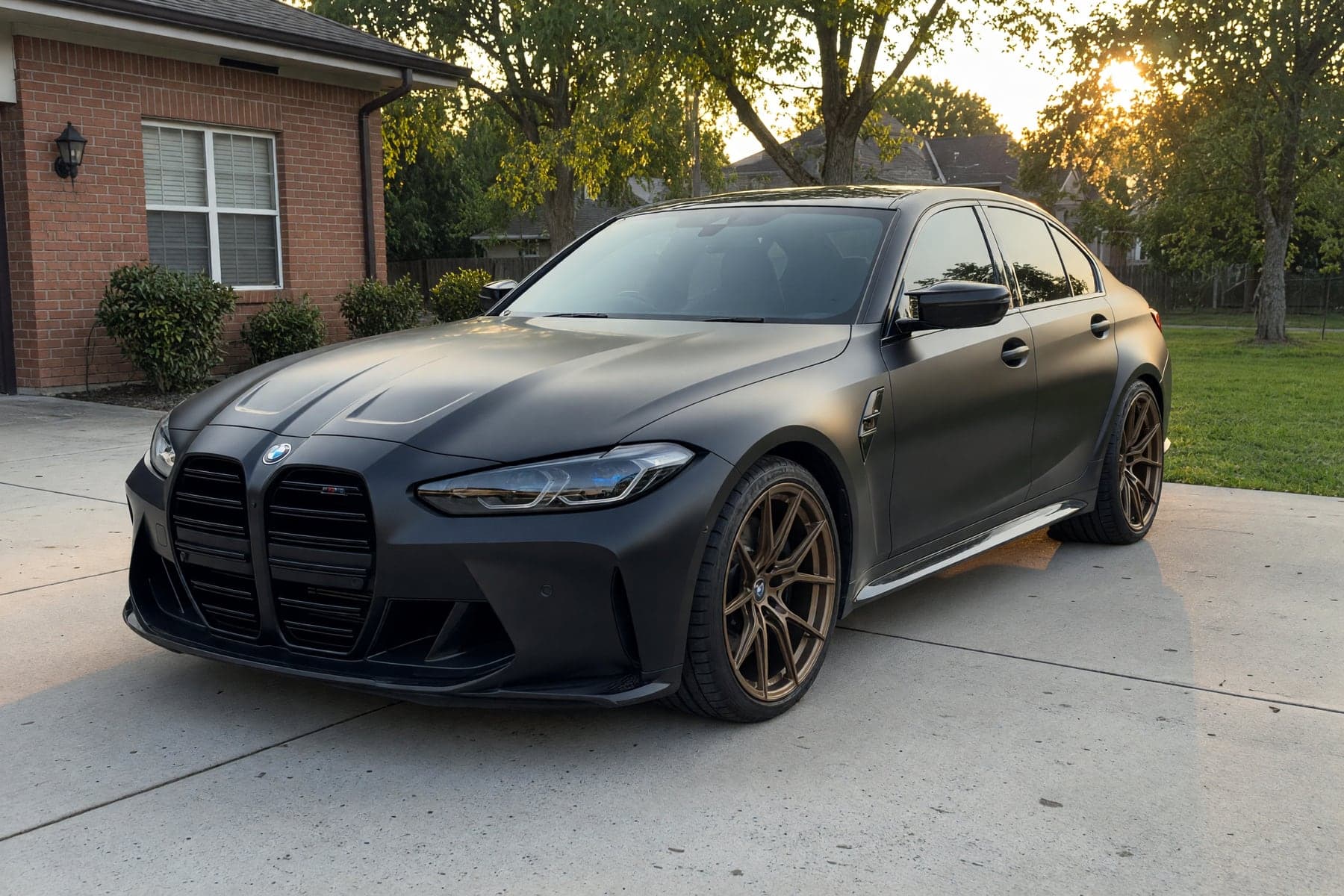
Wheels, wraps and exhausts. Already on their product pages.
The customer taps Try-It-On on your product page, lands on your VizTunr storefront with the part already selected, uploads their car, and sees it about a minute later. They never leave the buying moment.
Try it onA customer is looking at a wheel in your store. The only thing you add is one Try-It-On button.
 HRE P101 · loaded
The button opens your branded VizTunr storefront with that exact wheel already selected. No searching, no re-picking.
 my_car.jpg
The customer uploads a photo of the car in their driveway. Any angle, any model, any year.
 Photoreal
Their car appears wearing your wheel, photoreal. They share it with the group chat, and they book the install.
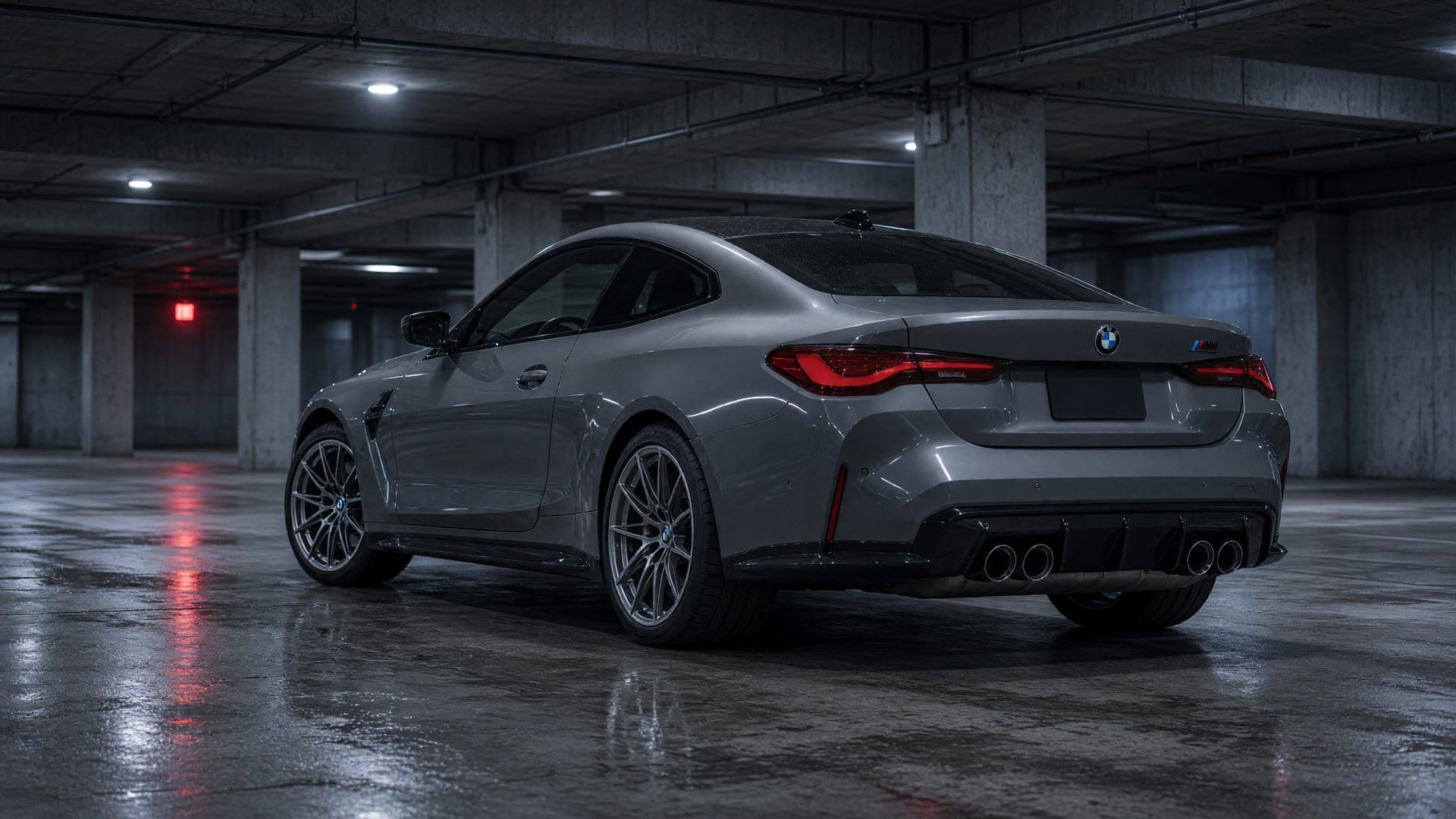
One car, one photo, four upgrades. Every image below came out of the same engine your customers will use.
Want to see it on your own car first? Try any wheel on our free wheel visualizer.
Cars, superbikes, boats. The same button covers whatever your shop tunes, and the render holds up next to a studio shot.


Seeing the exact look on their own car removes the last hesitation between browsing and booking.
Wheels, a wrap, a spoiler and tips stack in one preview. Customers spec the whole build instead of one part.
“I imagined it differently” stops costing you refunds, restocking, and bay time. They approved the look before ordering.
Comparing try-on tools? See how VizTunr compares with WheelBlend, RideStyler and other visualizers.
One subscription per shop, priced by render volume. Every plan ships every feature, unused renders roll over, and you can cancel anytime.
Roughly one render per customer who taps the button. Unused renders roll over, so think in averages.
$49 plan with 200 renders, with 0 to spare.
Start on Starter$99 plan with 500 renders, with 300 to spare.
Choose Growth$199 plan with 1,100 renders, with 900 to spare.
Choose ProAt 200 renders, Starter comes to $49, $50 less than Growth would.
Every plan includes everything above. Prices exclude VAT, which may apply depending on your billing country.
Need a closer look? See full plan details.
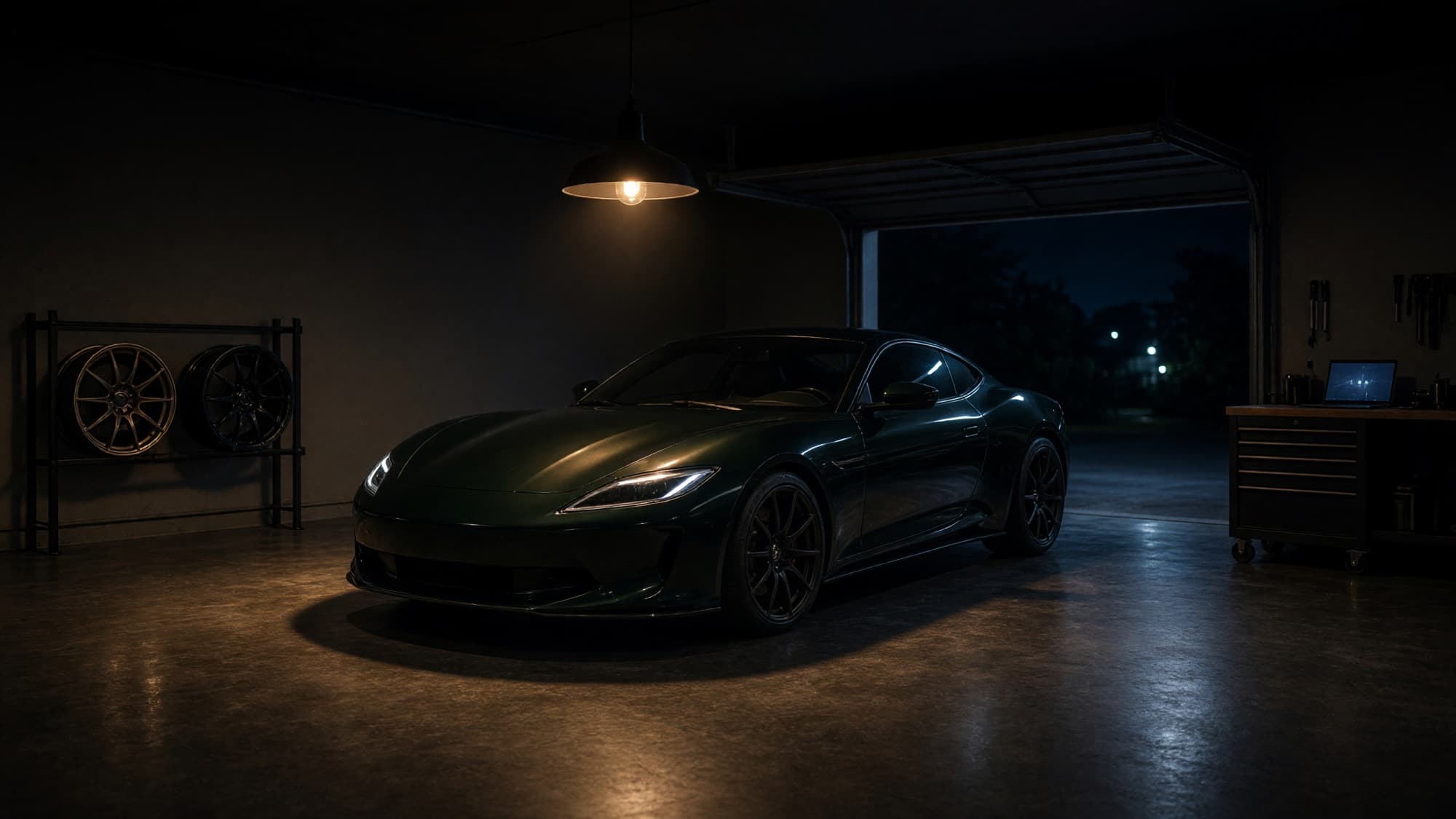
Fit your customers’ cars, or your own build, in a garage nobody else sees. A wheel library built for hundreds of sets, every fitting kept in history, and seventy iconic factory colors one tap away. From $0.50 per render, no subscription.
No plugin, no SDK, no theme surgery. The try-on button is a plain link that carries your product with it. Three steps and it is live.
Paste your website URL. VizTunr scans it and prefills your branded storefront: name, logo, and the products you sell.
From $49 a month. Every plan ships every feature; they differ only in how many renders you get.
Copy one HTML snippet next to “Add to cart”. Or hand the ready-made prompt to Claude, Cursor, or your Shopify assistant and let AI wire it up.
<a href="https://app.viztunr.com/s/your-shop?op=wheels
     &ref=PRODUCT_IMAGE_URL&label=PRODUCT_NAME"
   target="_blank" rel="noopener">
  Try on your car
</a>Add a "Try on your car" button to the product pages of my shop. The button is a plain link that opens my VizTunr try-on studio in a new tab. Link format: app.viztunr.com/s/your-shop?op=<category>&ref=<product-image-url>&label=<product-name> Add it to wheel and wrap products, using each product page's own image as ref. Style it like the shop's existing secondary buttons and place it near "Add to cart". Do not change anything else about the pages.
Both are generated for your shop inside VizTunr, with your slug, categories, and image domains already filled in. You copy, you paste, you are done.
One plain link. Drops into any shop you can paste HTML into.
 Shopify
 WooCommerce
 WordPress
 BigCommerce
 PrestaShop
 Wix
Wix Squarespace
 Webflow
 Any HTML
Register your shop, pick a plan, place the button. The button is a plain link, so it works on Shopify, WooCommerce, or any custom stack, and most shops can go live the same day.
No. You copy one HTML snippet next to "Add to cart". If you would rather not touch code at all, VizTunr generates a ready-made prompt for Claude, Cursor, or your Shopify assistant, and the AI places the button for you.
Wheels, a full color change or wrap, spoilers and wings, and exhaust tips. Color changes recolor your customer’s own photo, so superbikes, jet skis, and boats work the same way a car does.
From $49 a month, up to $199 for 1,100 renders. Every plan includes every feature and unused renders roll over. Each render costs well under a dollar, so one extra booked install covers the month.
Judge them on your own car: the live demo runs a real render, free, no account. The engine is tuned for automotive paint, carbon, and chrome, and the result holds up next to a studio shot.
It is used only to render the try-on. We do not reuse it for marketing without explicit opt-in. Happy to walk your legal or security team through the data handling before you sign on.
Wheel fitment, wrap costs, finishes. The guides your customers are already googling.


